Smart Lists let you filter and group contacts based on custom conditions — perfect for segmentation, targeting, and organization.
➕ Create a Smart List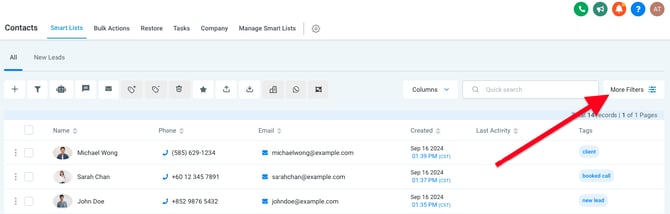
-
Go to the Contacts page
-
Click the More Filters button (top-right)
-
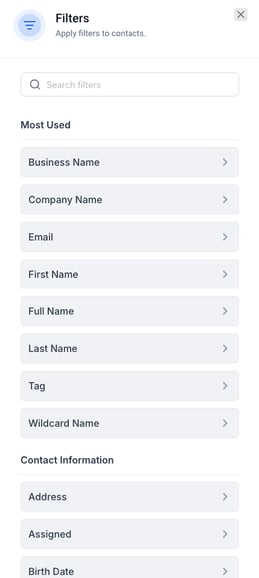
In the right-hand filter menu, choose conditions — e.g.,
-
Field:
Tag -
Condition:
Is -
Value:
client
-
-
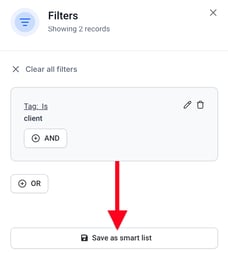
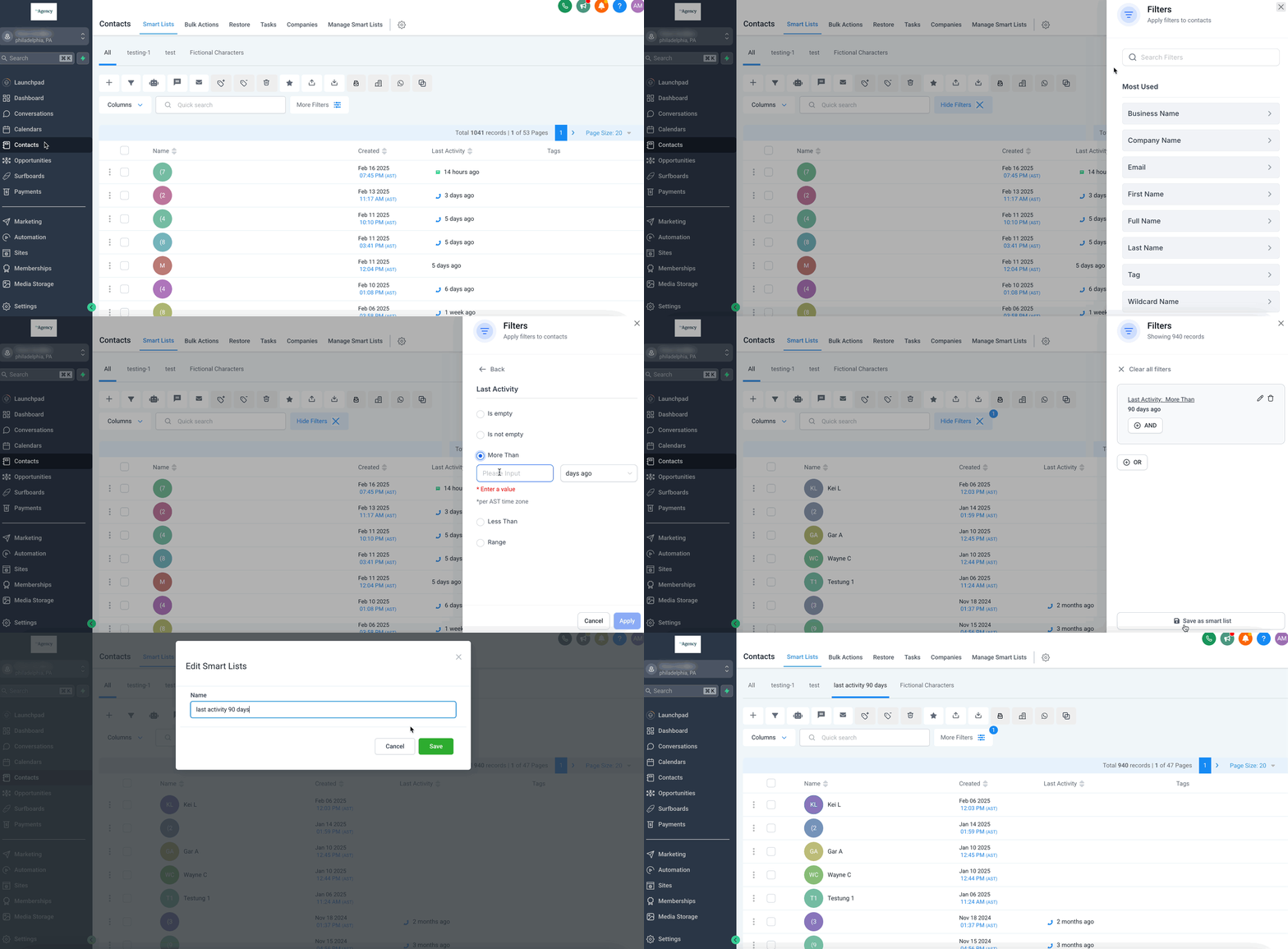
Once your filter is set, click Save as Smart List
-
Give your Smart List a name
The new Smart List will appear in the top-left of the Contacts page, making it easy to switch views.
Example of a Smart List being created:
⚙️ Manage Smart Lists
To view, edit, or delete saved lists:
-
Click Manage Smart Lists at the top of the Contacts page
From there, you can rename lists, change filters, or remove them altogether.